

AI Agent Performance Analytics And Optimization Using Analyze Tab
The Analyze Tab provides a comprehensive view of how your AI Agent performs after deployment. It is designed to help teams move beyond simply launching the AI Agent and focus on improving its effectiveness over time.
This section brings together key performance data, user interactions, and actionable insights so that you can understand what is working, identify gaps, and continuously refine the AI Agent experience.
The Analyze Tab includes:
- Overview Dashboard
- Conversations
- Leads
- Visitors
Together, these sections form a complete feedback system for monitoring performance and driving improvements.
Why the Analyze Tab Matters
An AI Agent should not be evaluated solely based on whether it is live. Its success depends on whether it:
- Resolves user queries effectively
- Delivers a positive user experience
- Converts visitors into leads or actions
- Captures meaningful and usable data
- Improves consistently over time
The Analyze Tab provides the visibility required to assess all of these aspects and make informed decisions.
How to Use the Analyze Tab Effectively
A structured workflow for using analytics typically involves:
- Reviewing high-level performance metrics regularly
- Analyzing individual conversations for quality and accuracy
- Comparing visitor engagement against lead conversion
- Identifying recurring issues or drop-off points
- Refining prompts, data sources, or workflows
- Repeating this process continuously
This iterative approach ensures that your AI Agent evolves based on real user interactions.
Overview Dashboard
Overview
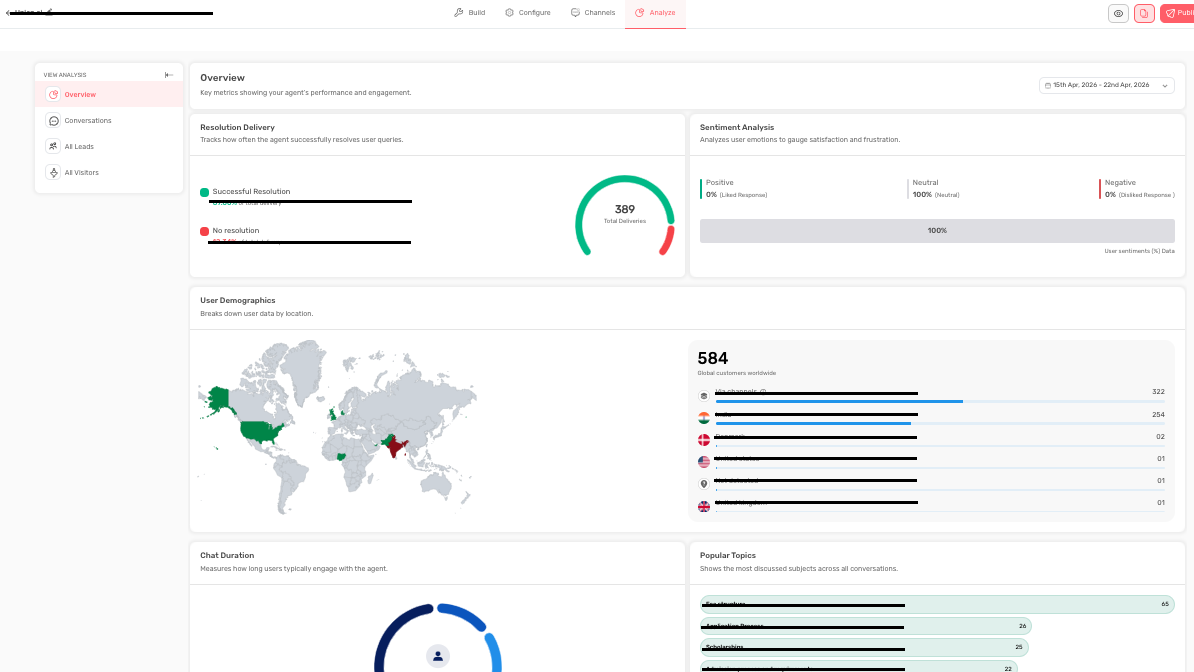
The Overview Dashboard presents high-level performance metrics over a selected time period. It helps you understand both usage and effectiveness at a glance.
The dashboard includes the following key metrics:
- Resolution Delivery
- Sentiment Analysis
- User Demographics
- Chat Duration
- Popular Topics
Each metric provides a different perspective on performance.
Resolution Delivery
What It Shows
This metric indicates how often the AI Agent successfully resolves user queries. It typically includes:
- Successful resolution percentage
- Unresolved interaction percentage
- Total interactions
Why It Matters
Resolution Delivery is one of the most important indicators of effectiveness. A high response rate does not necessarily mean high usefulness resolution quality is what truly matters.
Best Practices To Follow
- Monitor areas with low resolution rates
- Investigate whether issues are caused by weak source data, unclear prompts, or missing responses
- Refine flows based on recurring gaps
Sentiment Analysis
What It Shows
Sentiment Analysis categorizes user reactions into:
- Positive
- Neutral
- Negative
Why It Matters
Even if queries are technically resolved, users may still feel dissatisfied. Sentiment helps capture this qualitative aspect of performance.
Best Practices To Follow
- Review conversations linked to negative sentiment
- Identify whether tone, clarity, or response structure needs improvement
- Treat sentiment as a signal, not just a metric
User Demographics
What It Shows
This section provides insights into your users' geographic locations.
Why It Matters
Understanding user location helps identify:
- Key markets driving engagement
- Opportunities for localization or language support
- Potential adjustments in business hours or availability
Chat Duration
What It Shows
Chat Duration measures how long users stay engaged with the AI Agent. It is typically grouped into time ranges such as:
- 0 - 2 minutes
- 2 - 5 minutes
- 5 - 10 minutes
- 10+ minutes
Why It Matters
This metric requires context:
- Shorter duration may indicate quick resolution or early drop-off
- Longer duration may indicate deep engagement or user confusion
Best Practices
Always evaluate chat duration alongside resolution and sentiment metrics before drawing conclusions.
Popular Topics
What It Shows
Popular Topics highlights the most frequently discussed subjects across conversations.
Why It Matters
This helps identify:
- Common user needs
- Recurring questions or objections
- Opportunities to improve content or workflows
Best Practices To Follow
- Use this data to strengthen chatbot responses
- Update website content or FAQs based on recurring topics
Final Recommendation for Dashboard
The Overview Dashboard should be used to identify patterns and trends. It helps you determine where deeper analysis is required.
Conversations
Overview
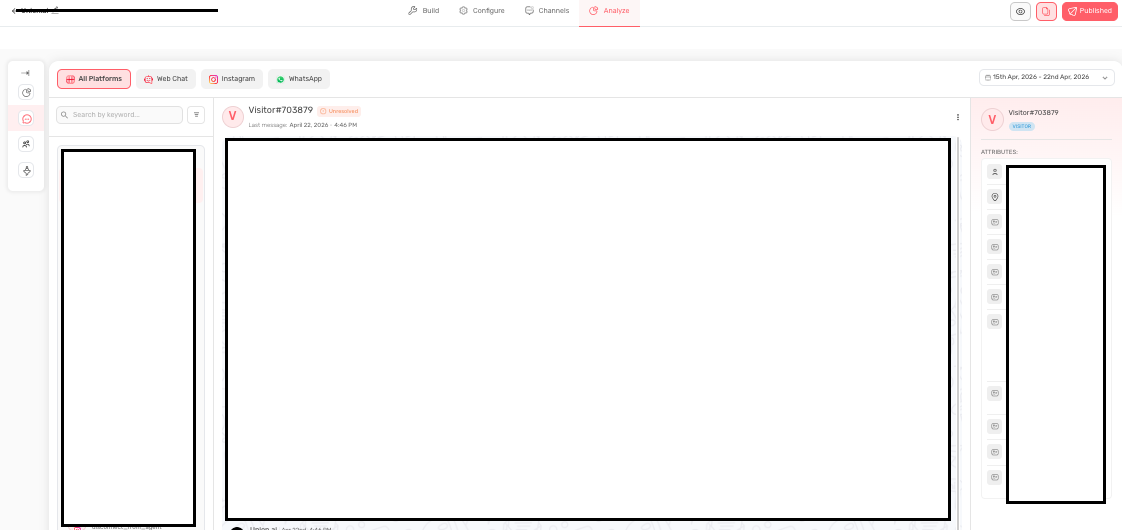
The Conversations section provides access to individual chat sessions. This allows you to review how the AI Agent interacts with real users in actual scenarios.
Users can:
- View conversation history
- Filter conversations by platform
- Search by keywords
- Analyze full interaction flows
Why Conversations Matter
This is where performance data becomes actionable. It helps answer questions such as:
- Why users drop off
- Whether the AI Agent asks questions in the right sequence
- Where confusion or friction occurs
- How effectively handoffs or escalations are handled
Best Practices To Follow
- Review conversations regularly, not only when issues arise
- Focus on repeated patterns rather than isolated cases
- Prioritize failed or escalated interactions
- Compare high-performing and low-performing conversations
Common Mistakes To Avoid
- Ignoring conversation-level insights
- Focusing only on summary metrics
- Failing to connect insights back to prompt or data improvements
Final Recommendation
Conversation analysis is one of the most valuable optimization tools. It provides direct insight into user experience and system behavior.
Leads
Overview
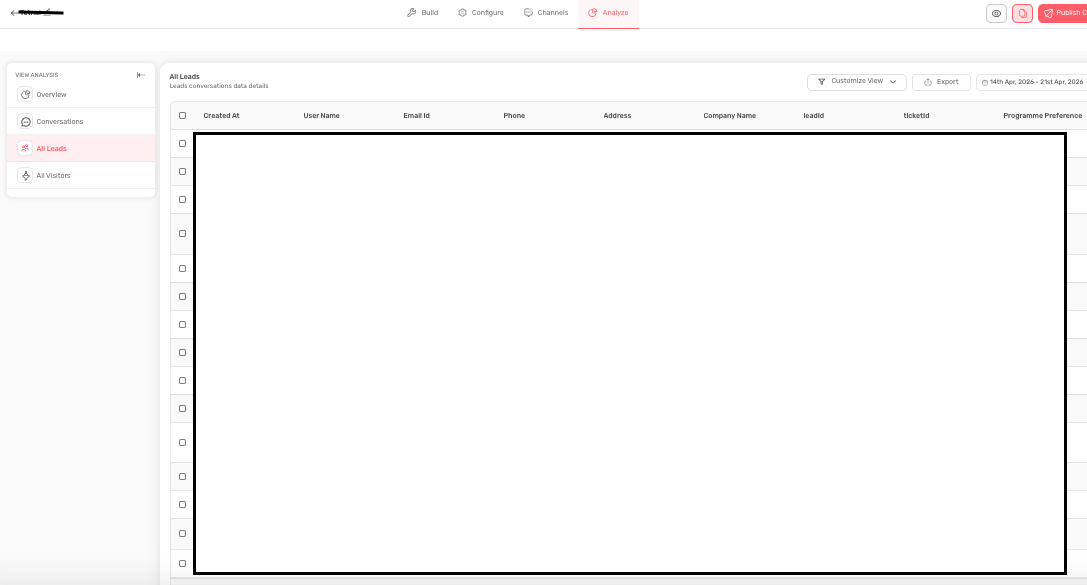
The Leads section displays structured data collected from users during conversations. This includes fields such as:
- Name
- Phone number
- Company details
- Other custom attributes
Why It Matters
Leads represent tangible business outcomes. This section helps determine whether your AI Agent is effectively converting interactions into meaningful data.
What You Can Do
- Filter leads by date range
- Customize displayed fields
- Export leads for further use
- Integrate with CRM systems
Best Practices To Follow
- Ensure required fields are properly configured
- Review leads regularly for quality and completeness
- Connect lead data with CRM or follow-up systems
- Analyze incomplete or inconsistent entries
Common Mistakes To Avoid
- Assuming all captured leads are high quality
- Ignoring missing or incorrect data
- Separating lead analysis from conversation review
Our Recommendation
Leads should be evaluated not only as output but as feedback on how well your AI Agent qualifies and converts users.
Visitors
Overview
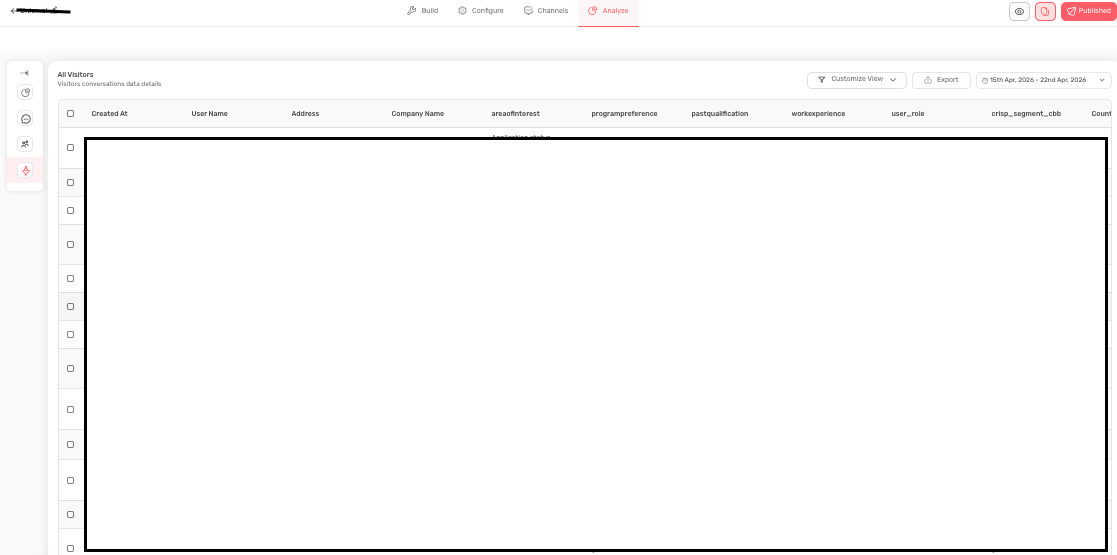
The Visitors section tracks users who interacted with the AI Agent, regardless of whether they converted into leads.
Why It Matters
This section helps you understand the relationship between engagement and conversion. It provides insight into how many users enter the funnel versus how many complete desired actions.
Key Insights
- High visitor volume with low conversions may indicate friction or weak calls-to-action
- Low visitor volume with strong conversions may indicate limited reach
- Strong traffic but low engagement may signal issues with triggers or design
Best Practices
- Compare visitor trends with lead conversion regularly
- Analyze performance by page, campaign, or source
- Review trigger timing and placement
Common Mistakes To Avoid
- Focusing only on visitor numbers without evaluating outcomes
- Assuming traffic issues are always the cause of low conversions
- Ignoring the role of chatbot configuration in engagement
Our Recommendation
Visitors represent potential opportunity, while leads represent realized value. Both must be analyzed together to accurately understand performance.
Conclusion
The Analyze Tab is not just a reporting tool; it is a continuous improvement system. By combining high-level metrics with detailed conversation insights, it enables teams to refine their AI Agent based on real user behavior.
When used consistently, this section helps ensure that your AI Agent becomes more effective over time, delivering better user experiences and stronger business outcomes.
Feel free to use our chat tool on the bottom right or reach out to us at [email protected] if you have any questions, and our team can help you with a quick solution.
Updated 6 months ago