

Setting Your AI Agent Live
Go Live is the publishing step that makes your agent available to real users. This is the final stage of configuration, and it should only happen after the bot has been tested, the prompt has been generated, and the desired goal flow is working properly.
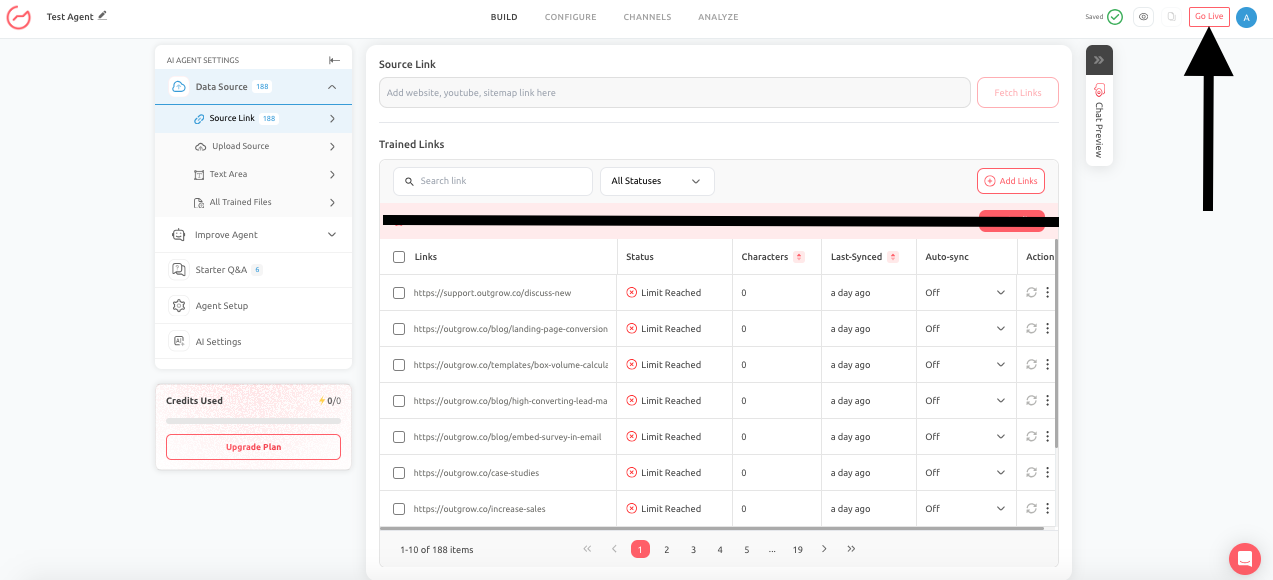
Go Live is not just a button. It represents the handoff from setup to real customer interaction. Once the agent is live, its performance affects user experience, lead quality, conversion outcomes, and support efficiency. You should only set your agent live after:
- Goals are configured
- Prompts are finalized
- Attributes are mapped correctly
- Links and actions are verified
- Escalation behavior is working
- Chat Preview testing is complete
Pre-launch checklist to follow before setting the Agent Live
Before publishing your agent, you need to make sure that:
- The agent introduces itself properly
- The agent’s role and audience description are accurate
- The target action is clear
- The required data collection is working
- Fallback behavior feels polished
- Data sources are relevant and up to date
- Integrations are ready if the agent depends on them
- Trigger behavior is configured if deploying on the web widget
- You have tested the most common user journeys
Example Scenario
A clinic ai agent is ready to schedule appointments. Before going live, the team confirms:
- The appointment types are correct
- The patient details being collected are sufficient
- The agent confirms booking information properly
- The agent responds safely when users ask unsupported medical questions
Only after those checks are complete should the clinic publish the agent on on the website or on WhatsApp.
Pro Tip
- Treat Go Live as the beginning of optimization, not the end of setup.
- Once the agent is published, monitor analytics, review conversations, and refine behavior based on actual user interactions.
- A successful go-live process includes a post-launch monitoring period, not just a pre-launch checklist.
Feel free to use our chat tool on the bottom right or reach out to us at [email protected] if you have any questions, and our team can help you with a quick solution.
Updated 6 months ago